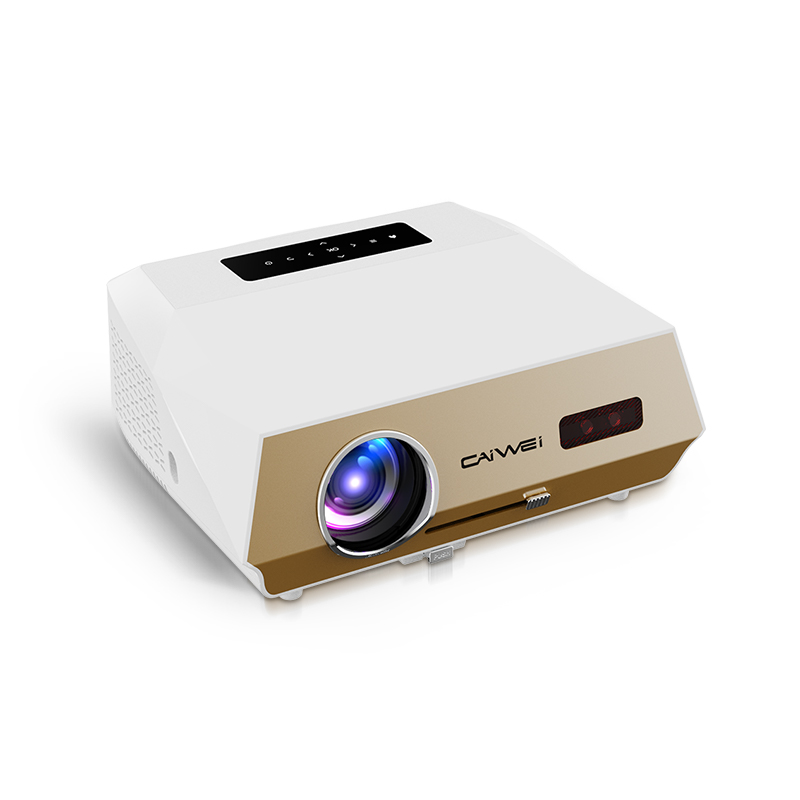
As technology continues to advance at a rapid pace, the future of wireless WiFi projectors holds immense promise for transforming how we interact with digital content. These innovative devices have already reshaped traditional projection methods by enabling seamless connectivity and mobility in presentations, entertainment, and educational settings. With the ability to wirelessly stream high-definition content from smartphones, tablets, and laptops, WiFi projectors are enhancing collaboration and productivity while offering flexibility in setup and usage.
This article explores the exciting developments and trends that are shaping the future of wireless WiFi projectors, highlighting their potential to redefine visual communication and entertainment landscapes.

What is a Wireless Wifi Projector?
A wireless WiFi projector is a modern projection device equipped with wireless networking capabilities that allow it to connect to other devices, such as smartphones, tablets, and laptops, over WiFi networks. Unlike traditional projectors that typically require physical connections via cables, WiFi projectors can stream content wirelessly from compatible devices.
This feature enables users to display presentations, videos, images, and other multimedia content without the constraints of cables, offering greater flexibility and convenience in various settings, including classrooms, boardrooms, and home theaters.
Wireless WiFi projectors often support screen mirroring technologies such as AirPlay, Miracast, or Google Cast, allowing seamless casting of content from multiple devices onto a larger screen, enhancing collaboration and multimedia sharing experiences.
What Are the Advantages of Wireless Connectivity in Projectors?
Wireless connectivity in projectors offers several advantages that enhance flexibility and convenience in various applications.
Firstly, it eliminates the need for physical cables, simplifying setup and reducing clutter in presentation environments. This feature allows presenters to move freely during presentations, facilitating dynamic interactions with the audience. Wireless projectors also support multiple device connections, enabling seamless switching between presenters or content sources without interrupting the flow of presentations.
Additionally, they promote collaboration by enabling easy sharing of content from smartphones, tablets, or laptops, fostering interactive discussions and teamwork. Moreover, wireless connectivity expands accessibility, allowing users to project content from virtually anywhere within the WiFi network range, enhancing versatility in both professional and educational settings.
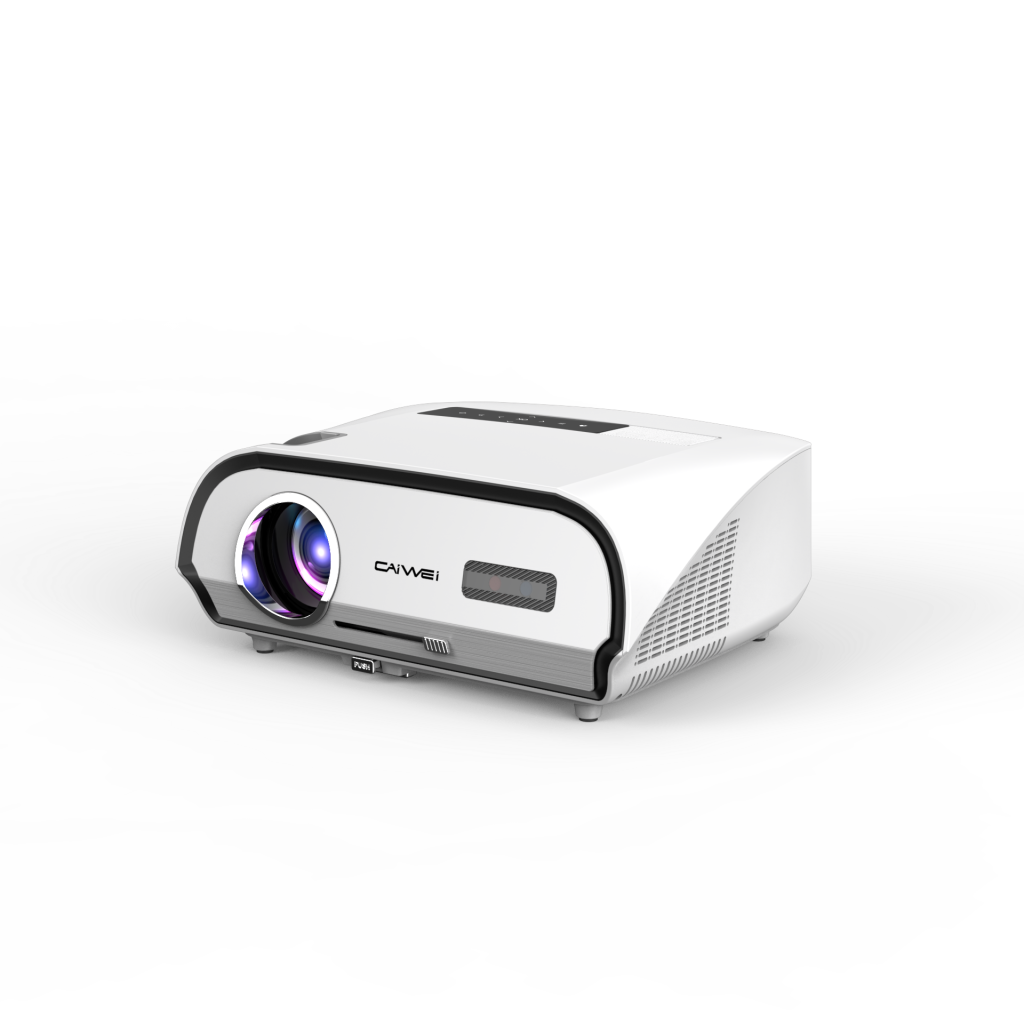
How to Stream Content Seamlessly with a Wireless WiFi Projector?
To stream content seamlessly with a wireless WiFi projector, follow these steps:
1. Connect to WiFi Network: Ensure your wireless WiFi projector is connected to a stable WiFi network. Access the projector’s WiFi settings and connect it to the same network as your device (e.g., smartphone, tablet, laptop).
2. Enable Screen Mirroring: Activate screen mirroring or casting on your device. Depending on the projector and your device’s operating system, this may involve using AirPlay (for Apple devices), Miracast (for Windows devices), or Google Cast (for Android devices).
3. Initiate Connection: Open the screen mirroring or casting option on your device and select the wireless WiFi projector from the list of available devices. Follow any prompts to establish the connection.
4. Adjust Settings (if needed): Once connected, adjust settings on your device or projector for optimal display, such as resolution or screen orientation.
5. Start Streaming: Start playing the desired content on your device. The wireless WiFi projector will mirror or cast the content onto the larger projection screen, allowing for seamless viewing and presentation.
6. Control Content: Use your device to control playback, navigate slides, or interact with content as needed during the presentation or viewing session.
By following these steps, you can effectively stream content wirelessly with a WiFi projector, leveraging its connectivity to enhance presentations, entertainment, or educational experiences with ease and flexibility.
What are the Key Considerations for Latency and Lag in Wireless WiFi Projectors?
When using wireless WiFi projectors, latency and lag can impact the quality of content streaming and user experience. Here are key considerations to minimize latency and lag:
1. Network Stability: Ensure a stable WiFi network with sufficient bandwidth and minimal interference to support smooth content streaming. Position the projector and connected devices within optimal WiFi range for consistent connectivity.
2. Projector Specifications: Choose a WiFi projector with advanced wireless technology and robust processing capabilities to handle high-resolution content and multiple device connections without performance degradation.
3. Screen Mirroring Technology: Use screen mirroring technologies (e.g., AirPlay, Miracast, Google Cast) that are compatible with your devices and projector to minimize latency. Update firmware and software regularly to access the latest performance enhancements.
4. Reduce Background Applications: Close unnecessary background applications and processes on connected devices to allocate more bandwidth and processing power to the streaming application and projector.
5. Adjust Settings: Optimize projector and device settings for streaming, including resolution settings and frame rates, to match content requirements and minimize buffering or stuttering.
6. Testing and Calibration: Conduct initial tests and calibration to assess latency levels and adjust settings accordingly. Monitor performance during use and make real-time adjustments as needed to maintain optimal streaming quality.
By addressing these considerations, you can effectively manage latency and lag in wireless WiFi projectors, ensuring smooth and responsive content streaming for presentations, entertainment, and educational purposes.

How to Ensure Secure Connections with Your Wireless WiFi Projector?
Ensuring secure connections with your wireless WiFi projector for sale is essential to protect data and maintain privacy. Follow these steps to enhance security:
1. Use Strong Passwords: Set strong, unique passwords for both your WiFi network and the projector’s administrative settings. Avoid using default passwords and update them regularly.
2. Enable Encryption: Activate encryption protocols (e.g., WPA2-PSK) on your WiFi network to secure data transmitted between devices and the projector. Ensure the projector supports encryption for wireless connections.
3. Update Firmware: Regularly update the firmware and software of your projector to patch security vulnerabilities and access new security features provided by the manufacturer.
4. Network Segmentation: Consider setting up a separate guest network or VLAN for the projector to isolate it from other devices on your main network. This helps minimize exposure to potential threats.
5. Firewall Protection: Configure firewalls on your network router to monitor and control incoming and outgoing traffic, protecting against unauthorized access to the projector and connected devices.
6. Disable Unused Features: Disable unused network features and services on the projector that could serve as potential entry points for attackers. This includes unused ports, protocols, and remote access options.
7. Physical Security: Physically secure the projector in a locked cabinet or mount it in a location inaccessible to unauthorized individuals to prevent tampering or theft.
By implementing these security measures, you can safeguard your wireless WiFi projector and maintain secure connections, ensuring peace of mind when using the projector for presentations, entertainment, or educational purposes.
How to Use a Wireless WiFi Projector for Business Presentations?
Using a wireless WiFi projector for business presentations offers flexibility and convenience, allowing seamless sharing of content from various devices. To begin, ensure the projector is connected to a stable WiFi network within the presentation venue. Next, enable screen mirroring or casting on your device—whether it’s a laptop, tablet, or smartphone—compatible with the projector’s wireless capabilities.
Initiate the connection and select the projector from your device’s list of available devices. Adjust settings on both the device and projector for optimal display resolution and orientation. Begin your presentation by opening your preferred application or content on the device. Utilize the projector to display slides, videos, or documents on a larger screen, enhancing visibility for all attendees.
During the presentation, utilize features such as remote control apps or pointer tools to navigate slides and interact with content seamlessly. Ensure to maintain a stable connection and consider preparing a backup plan in case of technical difficulties. By leveraging a wireless WiFi projector for business presentations, you enhance engagement, collaboration, and professionalism in your meetings and conferences

How to Integrate a Wireless WiFi Projector into a Smart Home System?
Integrating a wireless WiFi projector into a smart home system enhances convenience and expands entertainment options. Begin by ensuring the projector is compatible with your smart home hub or ecosystem, such as Google Home, Amazon Alexa, or Apple HomeKit. Connect the projector to your WiFi network and configure it through the manufacturer’s app or smart home platform.
Enable voice control by linking the projector with your smart assistant, allowing you to power it on or off, adjust settings, and start streaming content using voice commands. Utilize automation features to schedule projector usage or integrate it with other smart devices for synchronized activities, such as dimming lights when a movie starts. For enhanced multimedia experiences, consider streaming content directly from smart devices or compatible streaming services through the projector’s wireless connectivity.
Regularly update firmware and app settings to access new features and security enhancements provided by the manufacturer. By integrating a wireless WiFi projector into your smart home system, you elevate entertainment possibilities while simplifying control and enhancing the overall smart home experience
Conclusion:
In conclusion, if you’re considering purchasing a wireless WiFi projector to enhance your presentation capabilities, entertainment options, or integrate seamlessly into your smart home system, look no further than Caiwei. We offer a range of innovative and reliable wireless WiFi projectors designed to meet your diverse needs.
Whether for business meetings, educational settings, or immersive home theater experiences, our projectors combine advanced technology with user-friendly features to deliver exceptional performance. Contact us today to explore our selection and discover how Caiwei can elevate your visual experiences with cutting-edge wireless WiFi projector solutions.